Your Unreal AI agent joins Google Meet — Part 2
Last time, we showed people and AI agents working together inside Unreal Engine. This time, we bring that collaboration into a Google Meet call.
Watch the full two-minute video on YouTube
This is Part 2 of our live development session. Start with Multi-User AI in Unreal Engine: people and agents in one shared scene to see how the shared scene connects the team.
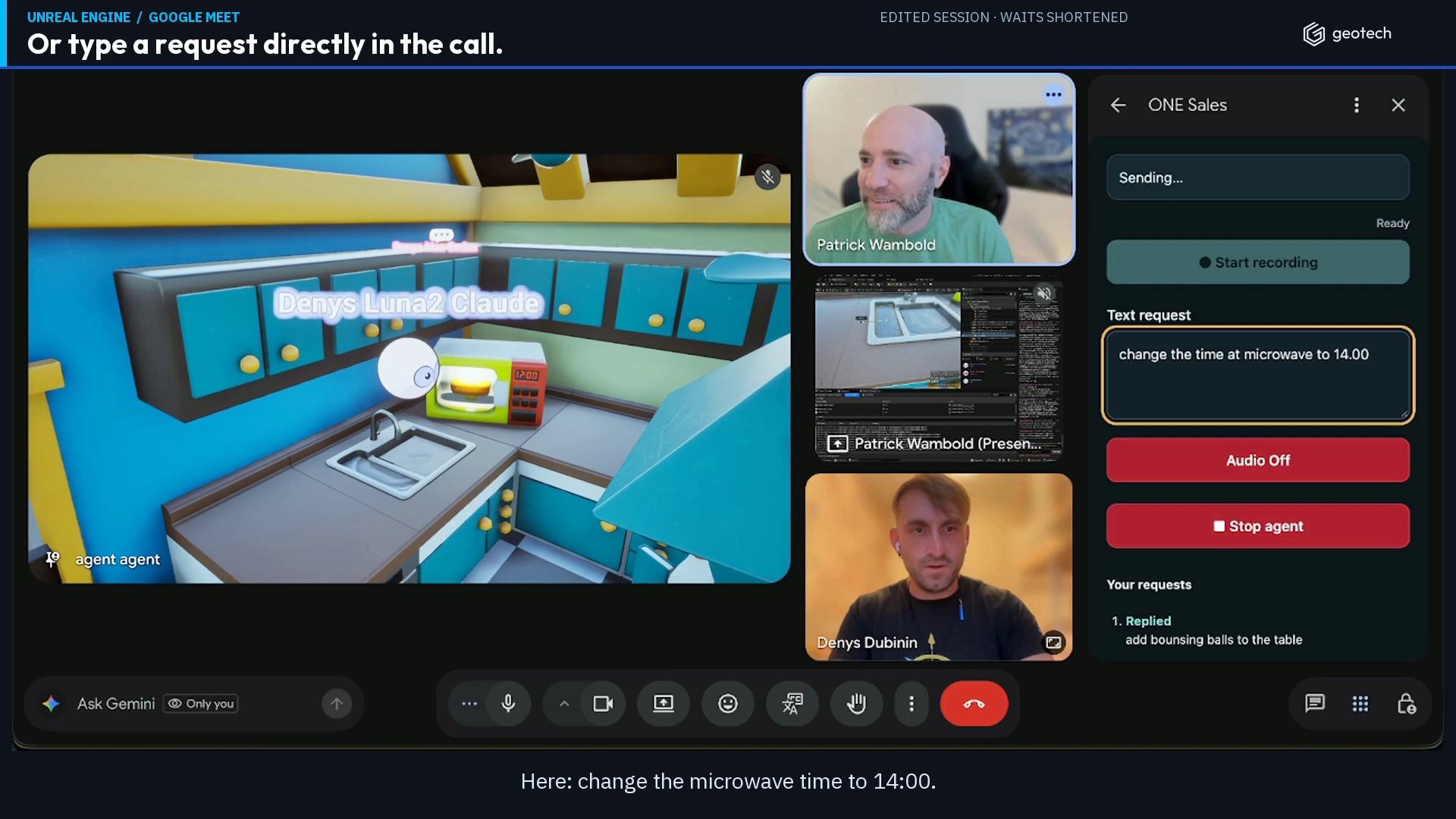
Denys Dubinin and Patrick Wambold work with an Unreal AI agent while its camera shows the live scene. The ONE Sales Meet add-on provides spoken and typed requests, with agent activity visible alongside the conversation.
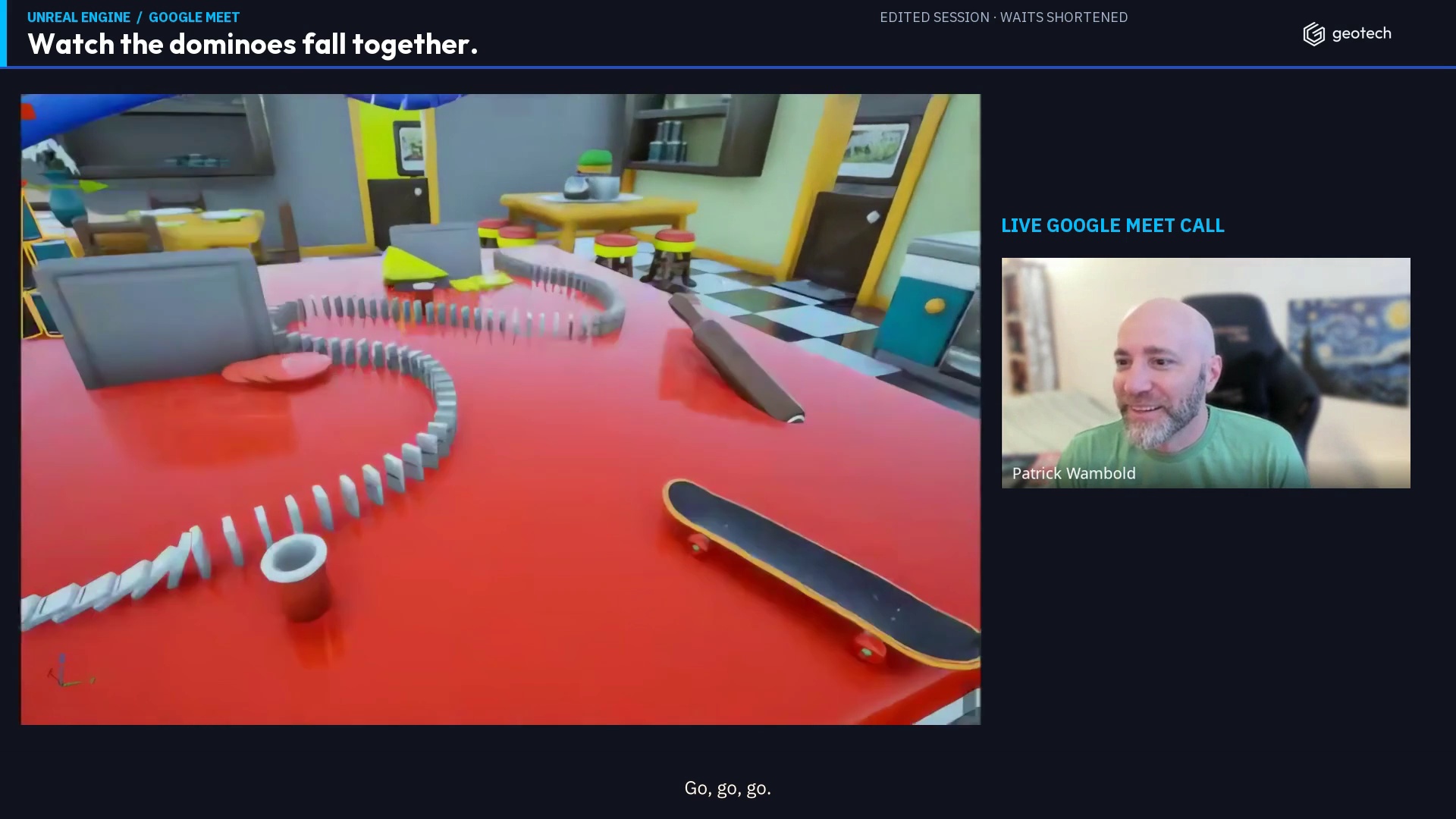
Watch the team discuss lighting the microwave, check its updated clock and bread in the toaster, then react together as Patrick runs the domino simulation. The call brings the people, the scene and the agent controls into one place for a shared review.
What would you ask an Unreal agent to change during a live review?
Edited from a live development session; selected moments and waits shortened. Voice requests and the clock change are separate examples.
Watch Part 2 on GeoTech’s YouTube channel.
Music: “Dream Culture” by Kevin MacLeod (incompetech.com), CC BY 4.0. Edited excerpt with filtering, fades and dialogue ducking.